|
游客,本帖隐藏的内容需要积分高于 1 才可浏览,您当前积分为 0
资源信息:
中文名: 多平台媒体播放器
英文名: VLC media player
别名: VLC
资源格式: 压缩包
版本: V0.9.9正式版/1.0RC/for Win|Mac|Linux
发行时间: 2009年
制作发行: VideoLAN team
地区: 法国
语言: 简体中文,多语言
概述:
官方网站 http://www.videolan.org
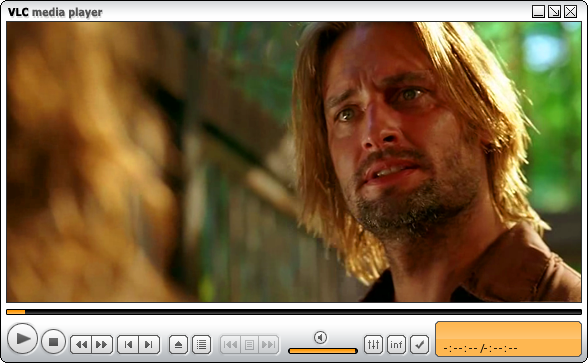
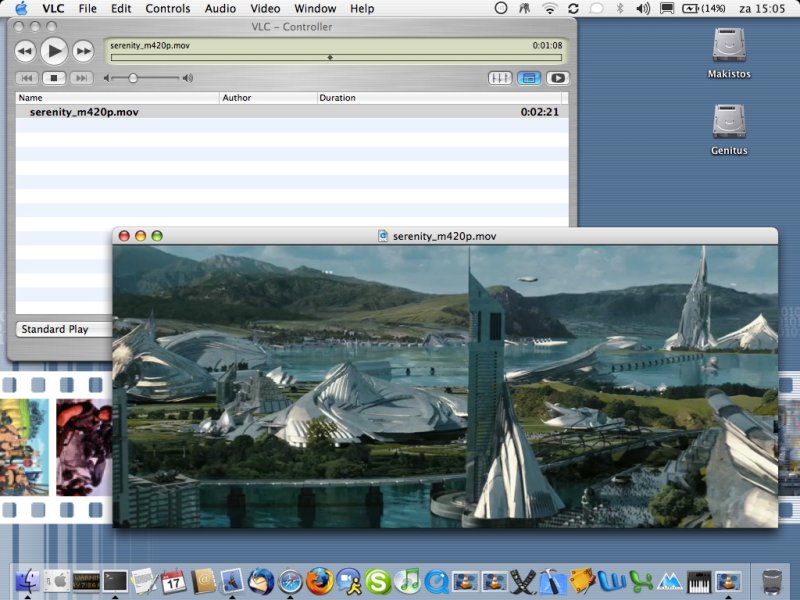
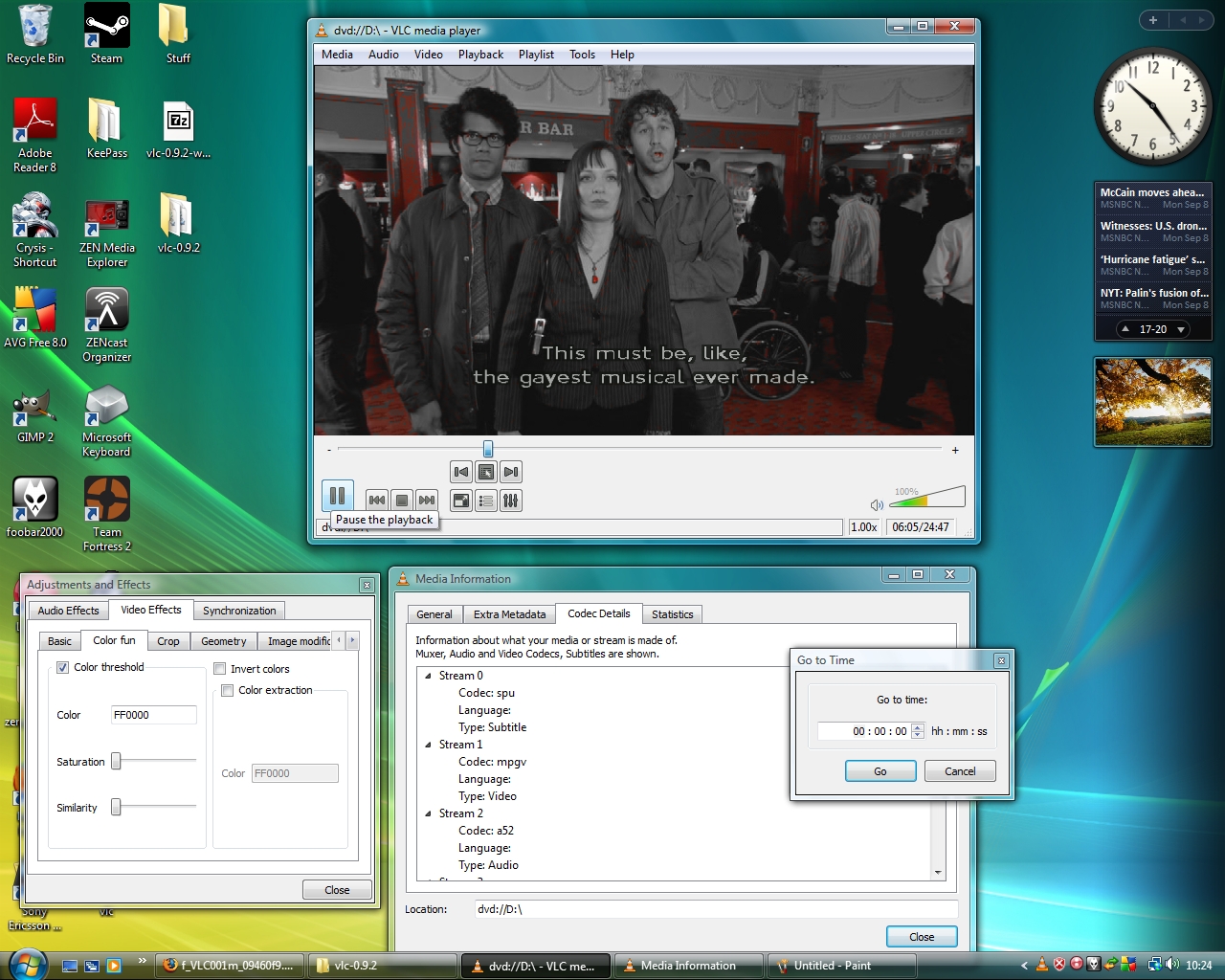
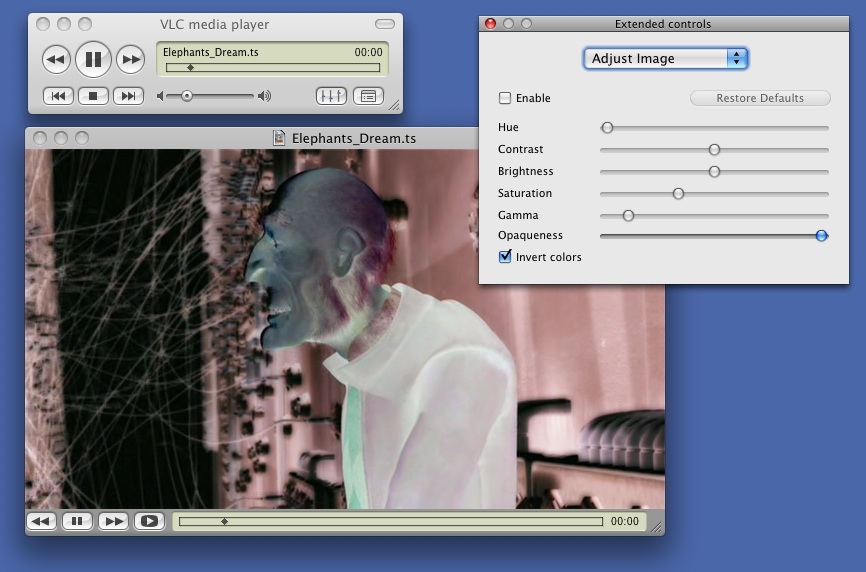
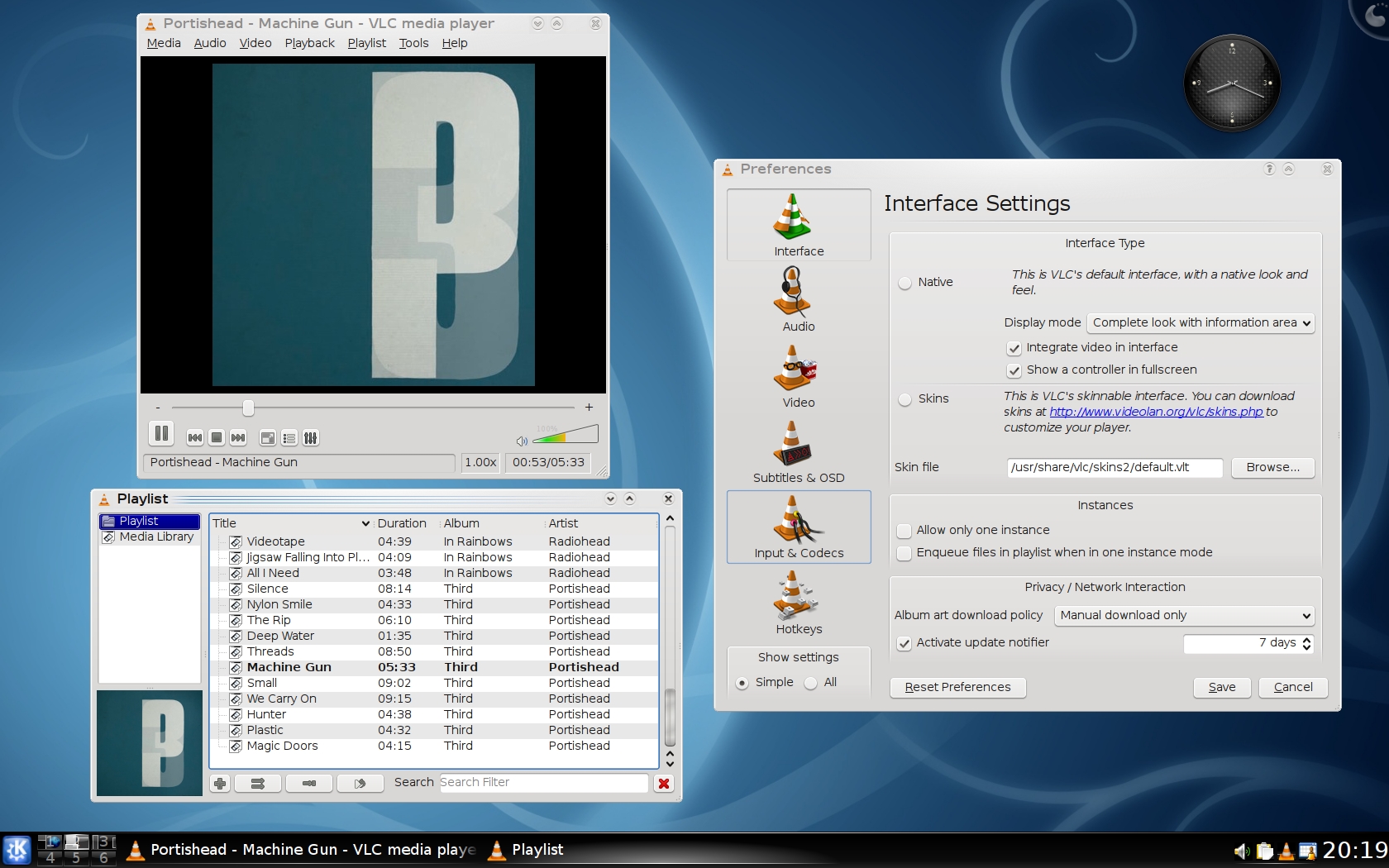
VLC(VideoLAN Client可以播放 MPEG-1、MPEG-2、MPEG-4、DivX、DVD/VCD、数字卫星频道、数字地球电视频道(digital terrestial television channels)、在许多操作系统下透过宽带IPv4、IPv6 网络播放线上影片;此软件开发项目是由法国学生所发起的,参与者来自于世界各地,设计了多平台的支持,可以用于播放网络流媒体及本机多媒体文件,特别值得一提的是它能直接播放未下载完整的多媒体文件。
其他平台版本下载 http://www.videolan.org/vlc/
支持的皮肤下载 http://www.videolan.org/vlc/skins.php
VLC (initially VideoLAN Client) is a highly portable multimedia player for various audio and video formats (MPEG-1, MPEG-2, MPEG-4, DivX, mp3, ogg, ...) as well as DVDs, VCDs, and various streaming protocols. It can also be used as a server to stream in unicast or multicast in IPv4 or IPv6 on a high-bandwidth network.
Features in VLC (VideoLAN Client) :
- Rewrite of the playlist (tree structure, input preparsing ...)
- Preferences improvements
- XML parsers
- Client-side SSL/TLS support
- Massive Matroska improvements
- Support for SOCKS proxy
- Support for Shoutcast Meta-data
- Support for (HE-)AAC raw-audio streams
- TiVo demuxer
- Samba (Windows shares) access module
- Dirac decoder and encoder
- PNG decoder/encoder
- Support for Apple Lossless Audio Codec
- Services discovery modules (brand new SAP module, HAL discovery, DAAP (iTunes shares), shoutcast)
- Support for 20/24 bits LPCM
- Video snapshot support (png or jpg)
- Image file video output (png)
- Mosaic (picture-in-picture system)
- Pocket PC port
- Brand new Internet Explorer ActiveX plugin
About VLC media player
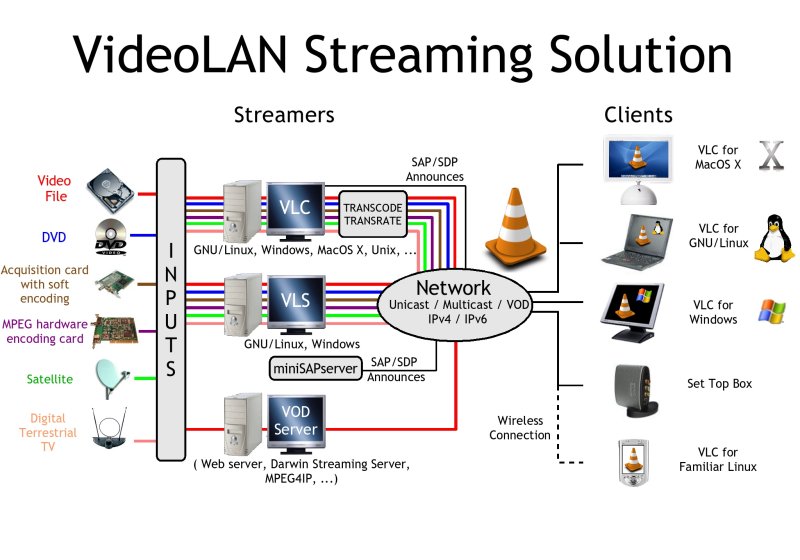
The network on which you setup the VideoLAN solution can be as small as one ethernet 10/100Mb switch or hub, and as big as the whole Internet.
The VideoLAN streaming solution has full IPv6 support.
Examples of needed bandwidth are:
0.5 to 4 Mbit/s for a MPEG-4 stream,
3 to 4 Mbit/s for an MPEG-2 stream read from a satellite card, a digital television card or a MPEG-2 encoding card,
6 to 9 Mbit/s for a DVD.
VLC is able to announce its streams using the SAP/SDP standard, or using Zeroconf (also known as Bonjour).
======================================================
[安全检测]
已通过安全检测
安全检测软件:BitDefender Total Security
版本:2009
病毒库发布时间:更新到即时
[安装测试]
未经过安装测试,使用者后果自负与本论坛无关
[免责声明]
该下载内容仅限於个人测试学习之用,不得用於商业用途,并且请在下载后24小时内删除。
软件破解及注册机被杀毒软件报病毒或间谍木马,请自行甄别和取舍,不另行加以解释。
资源版权归作者及其公司所有,如果你喜欢,请购买正版。
====================================
欲了解更多媒体文件编辑处理工具请访问小组帖
http://www.VeryCD.com/groups/PPMM1999/621760.topic
====================================
本资源谢绝迅雷、脱兔、vagaa等吸血客户端用户下载,使用以上客户端可能无法联接到本资源下载!VeryCD版电驴等GPL许可的正规emule用户请移步至http://board.VeryCD.com/t473571.html了解反吸血插件,或点此直接下载。
=====5.12汶川特大地震一周年祭=====
. 买鞋子哪个网站好?首选中国最大的正品鞋网商城(http://shoes.weixiaodian.com/)、 网上正品鞋城(http://u.weixiaodian.com/shoe/)。微店网页版请从http://121.weixiaodian.com登录:手把手教你如何免费申请开通微店、怎样经营微店及如何用微店赚钱。看笑话,上爱哈啦(http://www.aihala.com/)。
| 


 发表于 2021-8-3 21:46:24
/thumb.jpg)